Squoosh
Utilities
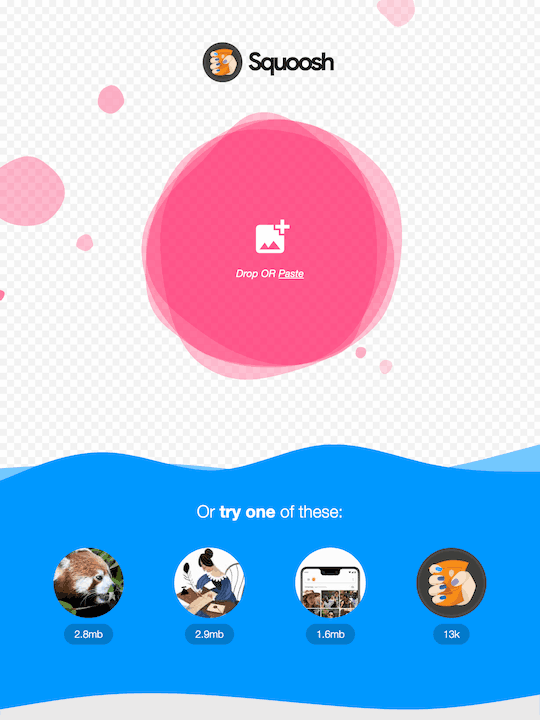
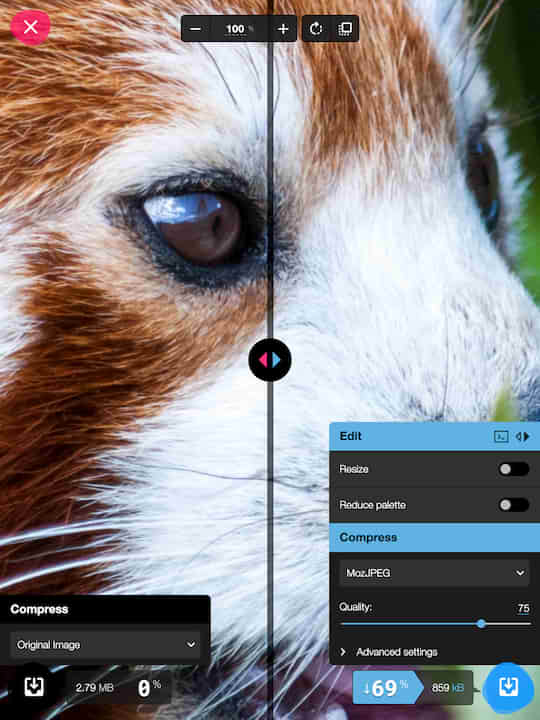
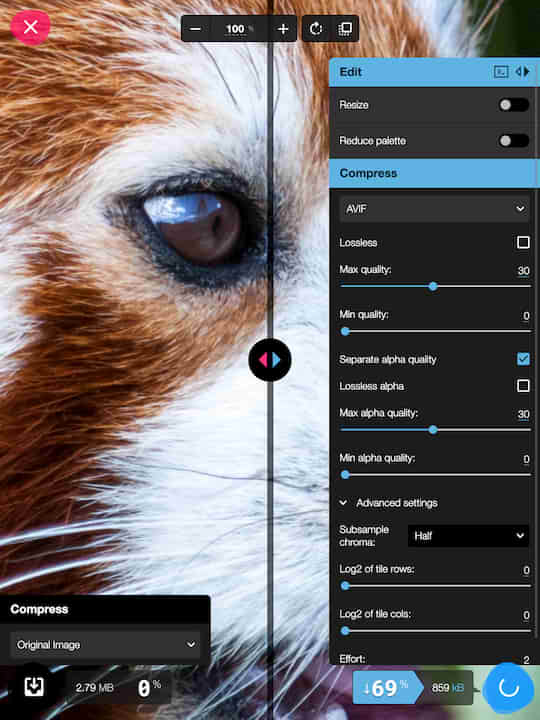
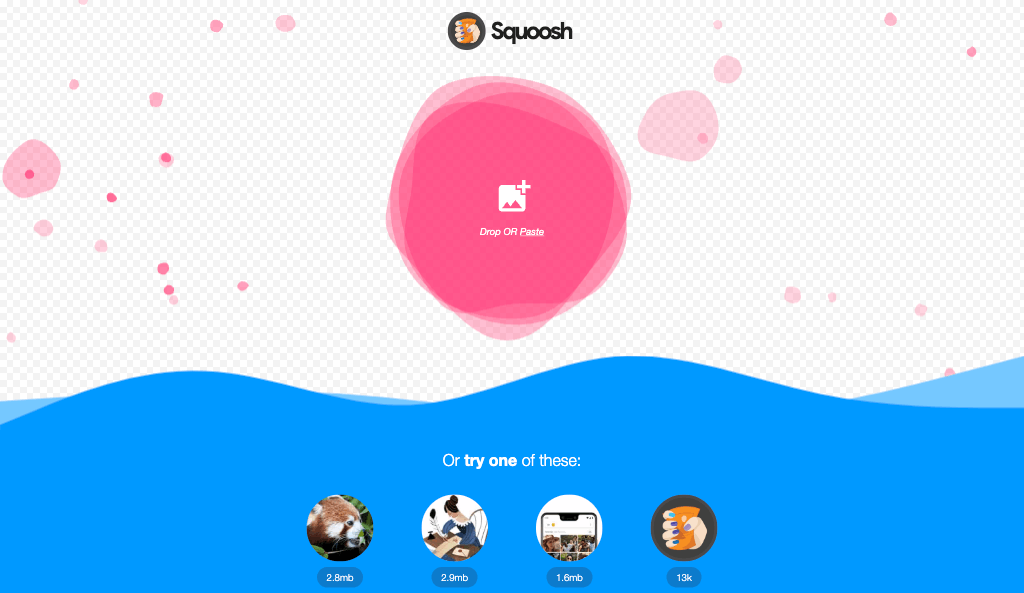
Squoosh, built by the Chrome team, compresses images to WebP, AVIF, MozJPEG and more — entirely on-device, so nothing is uploaded. It works fully offline and weighs almost nothing.
External app: opens squoosh.app in a new tab. Web App Finder does not host, operate, or inspect external software.
How to install it as an app
- Open squoosh.app in Chrome or Edge.
- Click the install icon in the address bar (or menu → “Install app”).
- Open the app in Chrome on Android.
- Tap the ⋮ menu → “Add to Home screen” or “Install app”.
- Open the app in Safari on iOS.
- Tap the Share button → “Add to Home Screen”.
What the community says