kromans-Reader
Education
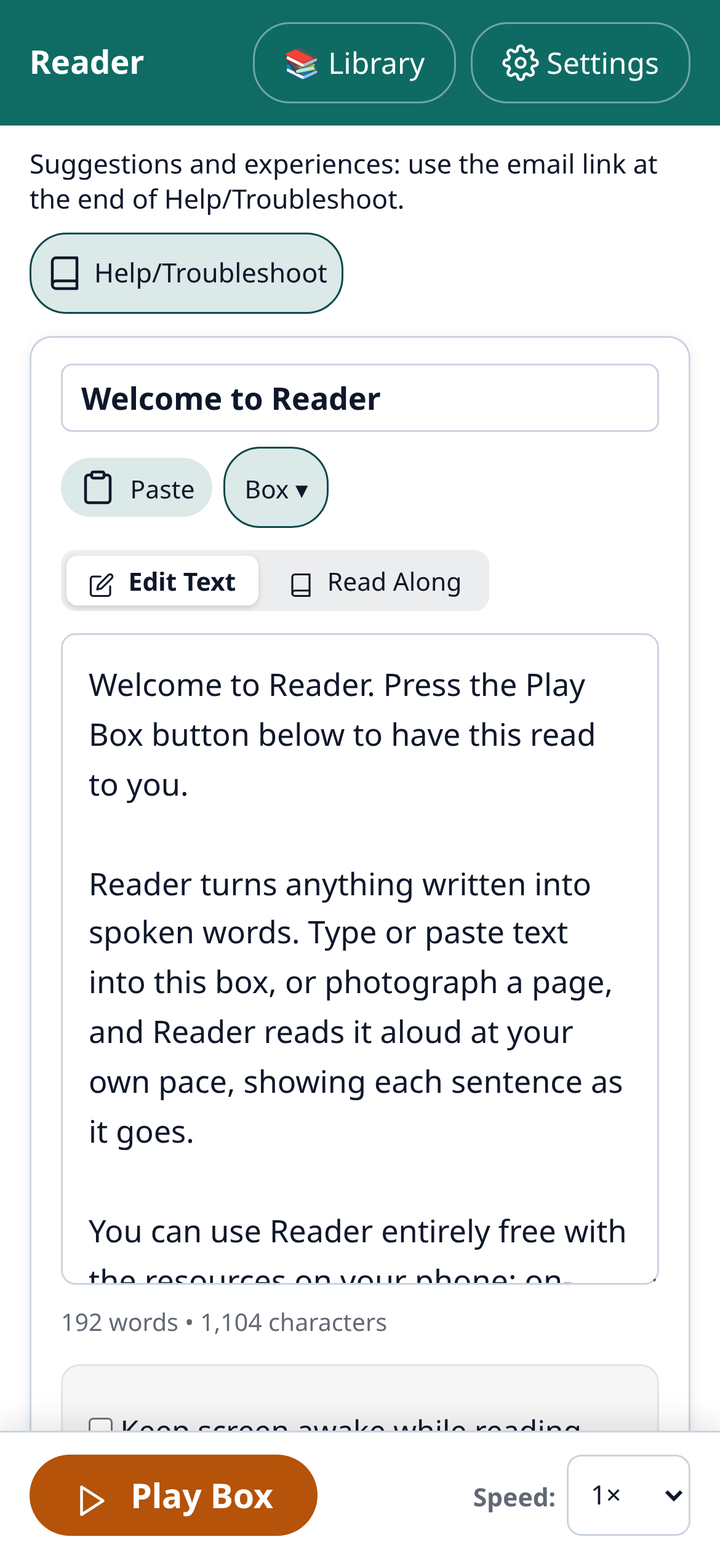
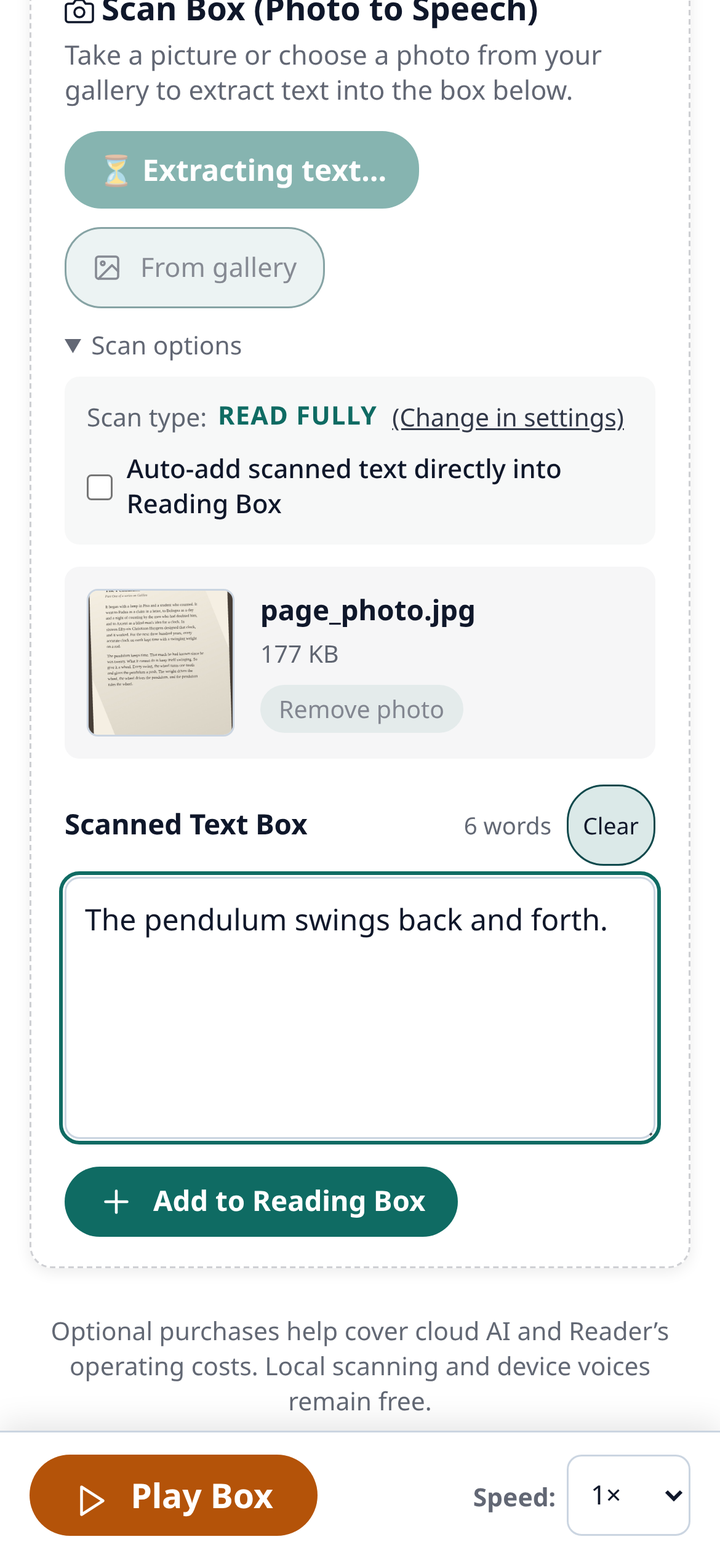
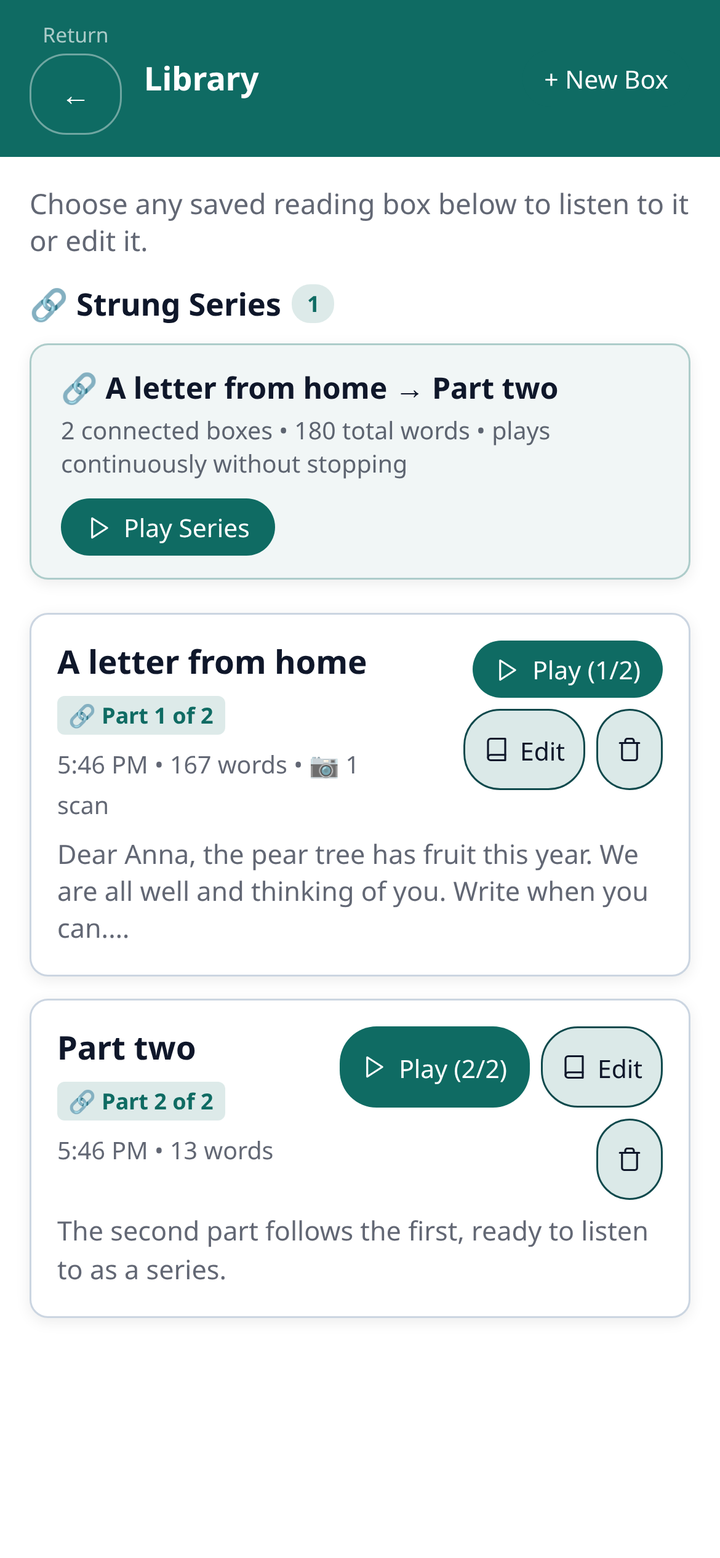
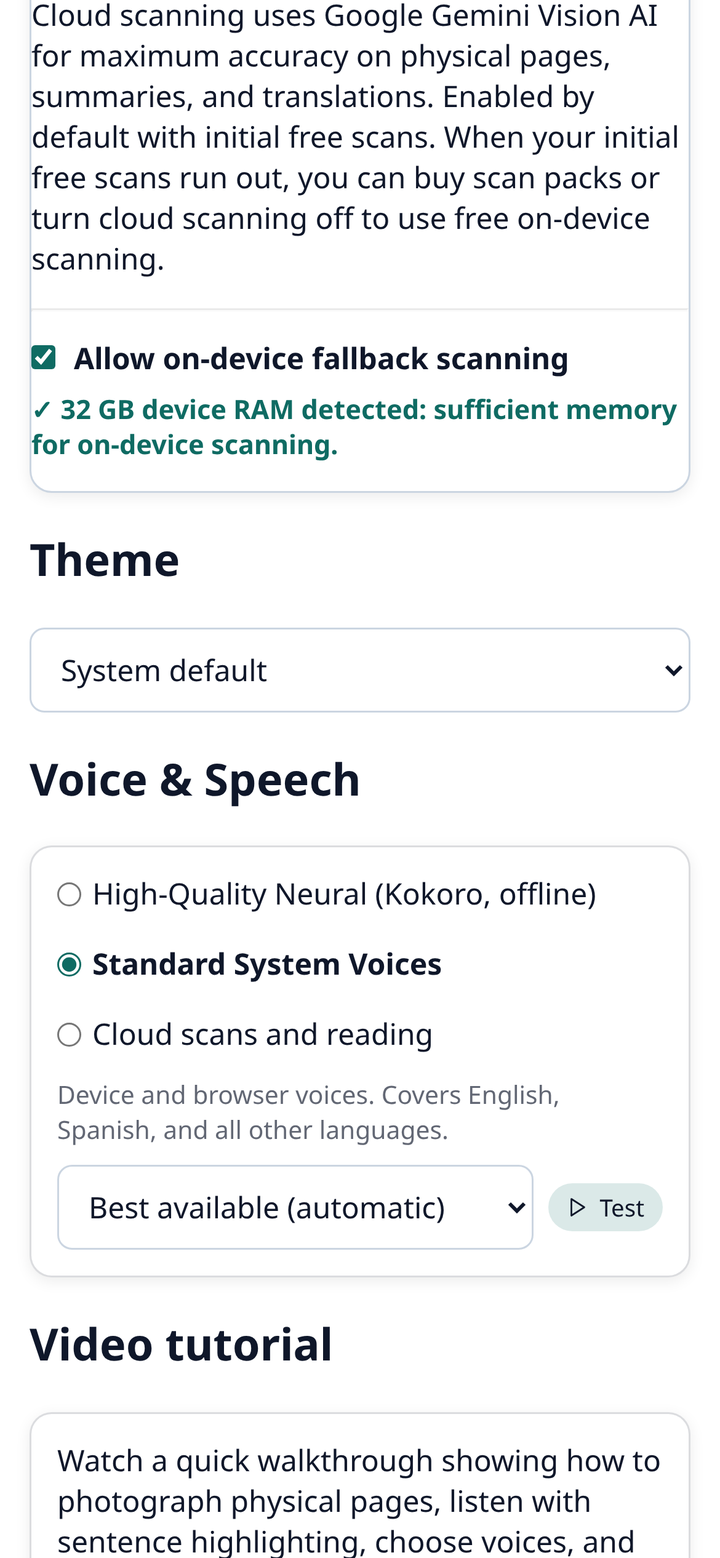
Reader turns printed pages, documents and pasted text into speech. Type or paste into the Reading Box, or photograph a page, and press Play: each sentence is highlighted as it is read, with speed control from half to double and a Read Along view. Free to use with on-device scanning and your phone's voices, plus a downloadable offline English voice; cloud scanning with translation and summaries, and cloud voices, are optional and can be turned off in Settings. Save boxes to a Library, link them into a series that plays without stopping, listen with the screen off, or download an MP3. No account needed; your text stays on your device. Personally built and verified by the Web App Finder curator; explainer video: https://youtu.be/8ME0HpKRbek
External app: opens kromans-reader.pages.dev in a new tab. Web App Finder does not host, operate, or inspect external software.
How to install it as an app
- Open kromans-reader.pages.dev in Chrome or Edge.
- Click the install icon in the address bar (or menu → “Install app”).
- Open the app in Chrome on Android.
- Tap the ⋮ menu → “Add to Home screen” or “Install app”.
- Open the app in Safari on iOS.
- Tap the Share button → “Add to Home Screen”.
What the community says